Build a Datacenter in Your Garage: 7 Network Tools Worth Your Weekend
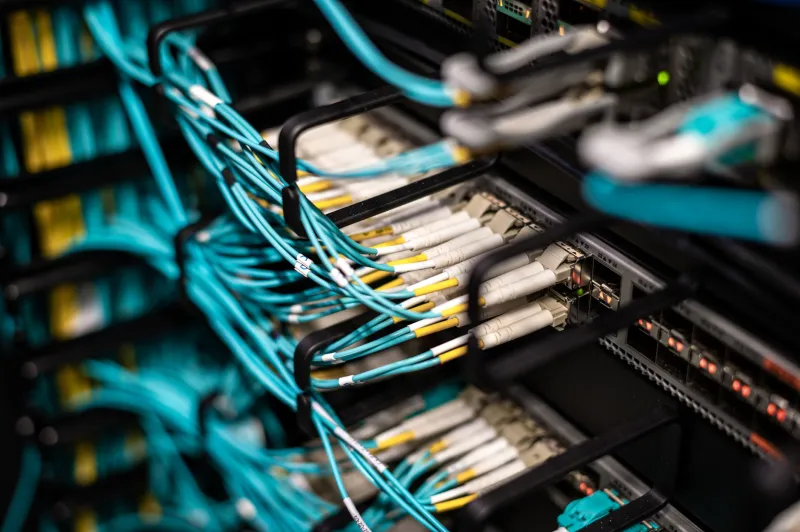
There's a special kind of joy in hearing a rack fan spin up in your garage and knowing you built that. Whether you're repurposing old enterprise gear or running a couple of mini PCs on a shelf, the home lab scene has never had better free tooling. Here are seven we keep seeing in the V-Net Online community threads — each one rated for difficulty so you know what you're getting into.
1. GNS3 — The Classic Network Simulator
Difficulty: ★★☆☆☆ (moderate)
GNS3 lets you emulate routers and switches on your desktop, which means you can blow up a network topology at 2 a.m. without anyone noticing. It's the go-to for anyone studying for Cisco certs, but it's equally useful for testing a config change before you touch the real gear in your closet.
Real-world use: Lab out that inter-VLAN routing setup before deploying it to your actual switch.
Where to get help: The r/homelab and GNS3 community threads on our forums are full of ready-made topology files.
2. EVE-NG — Topology Building Without the Pain
Difficulty: ★★★☆☆
Think of EVE-NG as GNS3's browser-based cousin. You drag nodes onto a canvas, wire them up, and boot a multi-vendor lab — Cisco, Juniper, MikroTik, whatever images you've got. It runs happily as a VM on a modest home server.
Real-world use: Simulating a full branch office WAN, complete with firewalls, before replicating it at home.
3. pfSense — The Gateway That Does Everything
Difficulty: ★★☆☆☆
An old PC plus pfSense equals a firewall that outperforms anything at the big-box store. VLANs, VPNs, traffic shaping, IDS — it's all in the web GUI. Pair it with a quad-port Intel NIC and you've got a serious gateway for under $150 in hardware.
Real-world use: Segmenting your IoT gadgets onto their own VLAN so your smart bulbs can't phone home with your guest Wi-Fi credentials.
4. OPNsense — pfSense's Hardened Rival
Difficulty: ★★☆☆☆
Same hardware, different philosophy. OPNsense forks the same FreeBSD base but emphasizes security hygiene and frequent updates. Plenty of folks run both in VMs and pick a favorite — the forum arguments alone are worth the price of admission (free).
Real-world use: Running Suricata IDS to actually see what's knocking on your front door.
5. Tailscale — Mesh VPN Without the Headache
Difficulty: ★☆☆☆☆
WireGuard-based and gloriously simple. Install it on your devices, log in, and they can talk to each other from anywhere — your lab, your phone on LTE, a VPS in Dallas. The free tier covers hobbyists just fine.
Real-world use: Securely reaching your home dashboard and NAS from a coffee shop without exposing a single port.
6. Netbox — Source of Truth for Your (Small) Empire
Difficulty: ★★★☆☆
Once your lab grows past "a switch and two servers," you need documentation. Netbox is the datacenter-grade IP address and rack management tool enterprises use — and it runs fine on a Raspberry Pi. Future-you will send thank-you notes.
Real-world use: Finally remembering which subnet the garage cameras live on.
7. Zabbix or Grafana + Prometheus — Watch It All Breathe
Difficulty: ★★★★☆
Monitoring is where a lab stops being a toy. Grafana dashboards fed by Prometheus (or the all-in-one Zabbix) turn your gear's SNMP data into beautiful, slightly obsessive graphs. Yes, you will check bandwidth charts at dinner. We all do.
Real-world use: Catching that one flaky switch port dropping packets before your family notices the Wi-Fi stuttering.
Start Small, Then Nerd Out
You don't need all seven on day one. A realistic path: pfSense for your gateway, Tailscale for remote access, then add monitoring once things get interesting. The simulator tools are there whenever you want to experiment risk-free.
And when you inevitably brick a config at midnight — post about it in the forums. Someone there has made the exact same mistake, probably twice. That's what community is for.