The Fridge Ate My Bandwidth: A Peace Plan for Your Smart Home Civil War
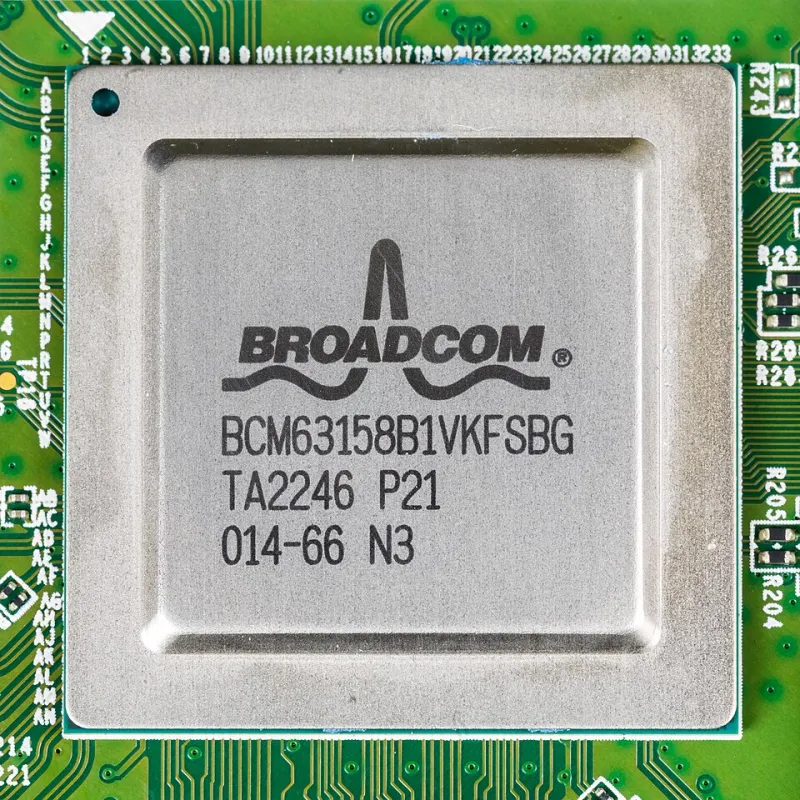
Photo: Raimond Spekking, CC BY-SA 4.0, via Wikimedia Commons
Somewhere in America right now, a smart doorbell is uploading a 30-second clip of a squirrel. A robot vacuum is downloading a firmware update. A light bulb — a light bulb — is checking in with a server in Virginia. And down the hall, somebody's video call just turned into a slideshow.
Welcome to the modern smart home, where the gadgets outnumber the humans roughly four to one, and every one of them thinks its traffic is important. The trouble is, your router mostly agrees with whoever shouts loudest. If you've ever wondered why your Wi-Fi chokes at 9 p.m. when nobody's doing anything 'big,' the answer is probably a small army of appliances quietly feasting on your connection.
Count Your Squatters
Before you can broker peace, you need a headcount. Log into your router's admin page (usually 192.168.1.1, or whatever's printed on the sticker you've never read) and look for a device list. Prepare to be humbled.
Most households we hear about on the V-Net forums discover between 20 and 40 connected devices — and can only account for about half of them. That forgotten Chromecast in the junk drawer? Still on the network. The smart plug from that one Prime Day in 2021? Calling home twice an hour.
Make a list. Seriously, open a note on your phone and write down every device, what it does, and whether you actually use it. Anything that fails the 'wait, whose is this?' test gets its Wi-Fi password revoked on the spot. This is the digital equivalent of cleaning out the garage, except the garage items can stream Netflix.
Not All Traffic Is Created Equal
Here's the thing most people miss: a smart fridge uses almost no bandwidth. It sends a few kilobytes of telemetry a day. The real hogs are the devices that move video — doorbell cameras uploading clips, baby monitors streaming around the clock, security cameras with cloud backups running at all hours.
Once you've inventoried, sort your gadgets into three buckets:
- The Talkers: Low bandwidth, constant chatter. Thermostats, sensors, plugs. Harmless, but they'll clutter your network and occasionally throw tantrums when blocked.
- The Streamers: Heavy, continuous uploaders. Cameras and doorbells live here. These are your bandwidth freeloaders.
- The Screamers: Latency-sensitive devices used by humans — work calls, gaming, video streaming. These deserve priority.
Now open your router's QoS (Quality of Service) settings. Every decent router from the last five years has them, even if the menu is buried under three layers of jargon. Prioritize the Screamers, cap the Streamers, and let the Talkers fend for themselves. Ten minutes of clicking here saves you from the classic dinner-time scenario where a doorbell clip of a delivery driver murders your kid's homework Zoom.
Quarantine the Zoo
The single best move in home networking isn't faster internet — it's a guest network with a job. Most routers let you create a second SSID that's isolated from your main devices. Put every IoT gadget on it.
Why? Two reasons. First, if your cheap security cam ever gets compromised (and budget IoT gear has a, let's say, relaxed attitude toward security), it can't reach your laptop or your NAS. Second, you can throttle or schedule the guest network as a whole without touching the stuff that matters. Cameras misbehaving at 2 a.m.? Flip a rule, done.
This is the home lab enthusiast's version of fencing off the in-laws' RV from the main house. Everyone's still on the property; nobody's in the kitchen.
Draft the Treaty
Technology only gets you halfway. The other half is human, which is why we suggest an actual written agreement — the Guest Network Treaty — negotiated between everyone who lives under your roof. Here's a template you can adapt:
THE GUEST NETWORK TREATY
Article 1: All smart devices shall connect to the network named HOUSE-IOT and no other. Violators forfeit their device's internet for one week.
Article 2: Cameras belonging to any party shall upload no more than [X] clips per day, or shall be scheduled offline between the hours of [bedtime] and [wake-up].
Article 3: No new device joins the network without filing a request in the family group chat and waiting [24] hours.
Article 4: The primary network is reserved for humans. Devices discovered squatting on it will be moved without ceremony.
Article 5: Whoever breaks the network by installing a questionable gadget must fix it before [next holiday gathering].
Signed, ______________________
Print it. Tape it to the fridge. If the fridge is smart, email it there too — it's the only thing on your network that will actually read it.
The Payoff
An hour of inventorying, some QoS tweaks, and one firmly worded treaty later, your smart home stops being a free-for-all. Your calls stay crisp, your games stop stuttering, and your doorbell can squirrel to its heart's content — safely fenced off in its own little corner of the airwaves.
Because the goal of a connected home was never to have the most devices online. It was to have the humans' stuff work when they needed it. Everything else can wait its turn.